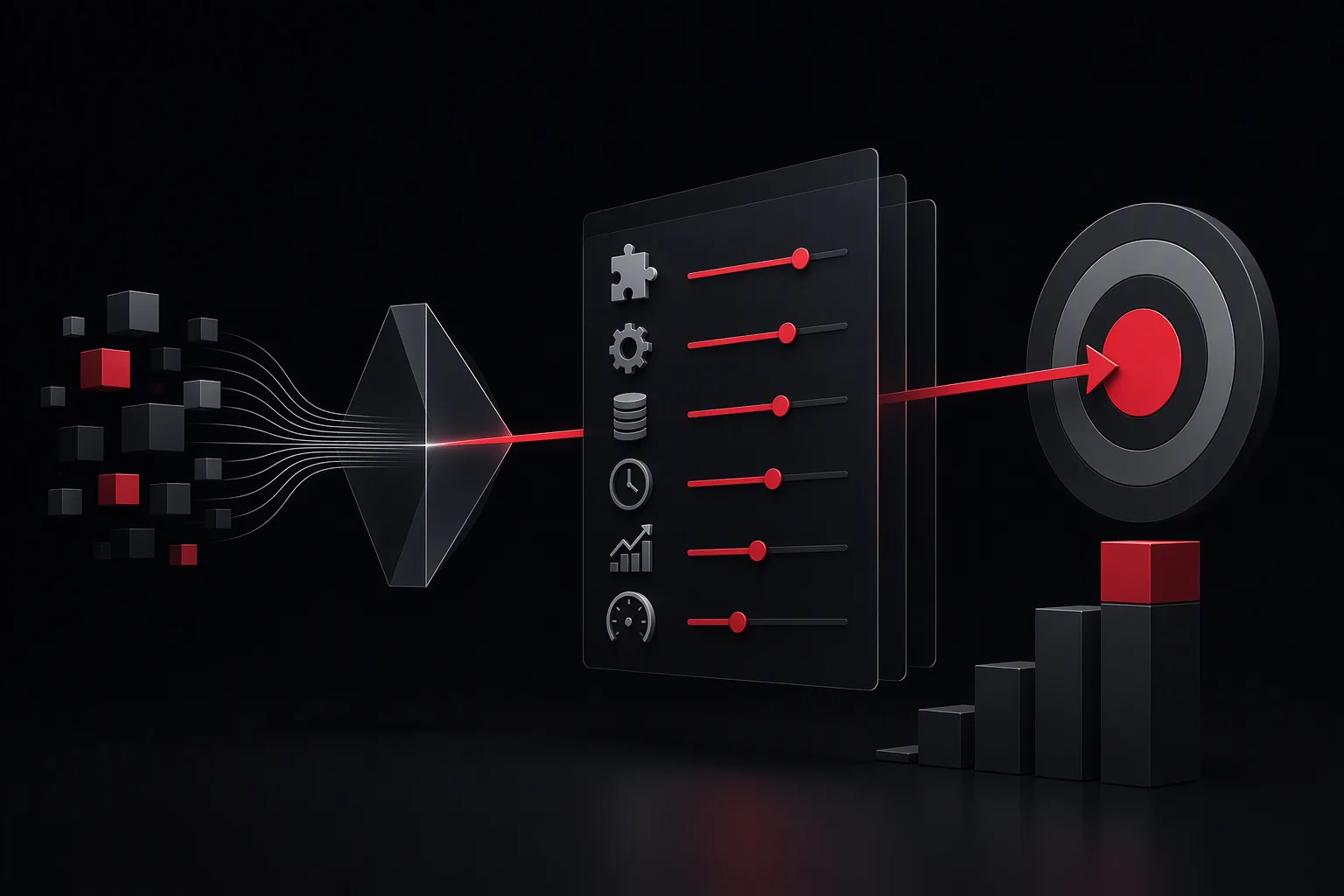
saasberry’s Use Case Validator helps enterprises determine whether an AI idea is a viable business use case by assessing value, feasibility, costs, implementation time, ROI, and expected improvement before the project begins.
Enterprise AI projects often start with a promising idea but no shared definition of success. A use case may sound innovative while lacking the data, process clarity, ownership, security controls, or economic value required for production.
The saasberry Use Case Validator, available at usecase.saasberry.ai, is designed to help CEOs, business leaders, and transformation teams turn an early idea into a decision-ready opportunity assessment.
What does an enterprise AI use case validator evaluate?
An enterprise AI use case validator evaluates whether a proposed AI workflow can create measurable business value and whether it is practical to implement.
A useful assessment should cover six areas:
- Business problem: What recurring problem is being solved, and who experiences it?
- Process volume: How many requests, documents, cases, tickets, or tasks move through the process each month?
- Current cost: How much employee time, external spend, delay, rework, or revenue leakage does the current process create?
- AI fit: Can an AI agent assist with a defined task such as answering questions, summarizing documents, drafting content, routing requests, or extracting data?
- Implementation feasibility: Are the required data sources, systems, permissions, and process owners available?
- Economic case: What will the initiative cost, how long will it take, and when is payback likely?
For enterprise teams, this structure prevents a common failure mode: buying or building AI capabilities before confirming that the underlying workflow is valuable enough to improve.
Why should CEOs validate AI ideas before approving a project?
CEOs should validate AI use cases before approval because the strongest AI investments are tied to a specific business metric, a repeatable workflow, and a realistic delivery path.
An AI proposal should not be evaluated only on whether the technology is possible. It should be evaluated on whether it improves a process enough to justify the investment.
For example, consider a customer operations team that spends 2,000 hours per month reviewing incoming requests and preparing responses. If an AI agent reduces handling time by 25%, the potential capacity gain is 500 hours per month.
If the fully loaded cost of that work is $45 per hour, the estimated annual value is:
500 hours × $45 × 12 months = $270,000 per year
This does not automatically mean the project should proceed. Leaders must also account for implementation costs, ongoing platform costs, governance, adoption, quality review, and the portion of saved time that can actually be redirected to higher-value work.
A validator makes these assumptions visible so executives can challenge them before making a commitment.
How does the saasberry Use Case Validator help business leaders?
The saasberry Use Case Validator helps leaders convert an AI idea into a practical assessment of business value, delivery requirements, and likely return.
It is intended for early-stage decisions, when teams need clarity on questions such as:
- Is this a good AI use case or simply a process problem?
- Which department benefits, and what metric will improve?
- How much employee time or operating cost could be reduced?
- What Microsoft systems, business data, and approvals are involved?
- How complex is implementation likely to be?
- What timeline and budget range should leadership expect?
- What ROI threshold would make this initiative worth funding?
saasberry puts AI agents into production inside the Microsoft tools teams already use. That means a validation discussion can consider the working environment where the use case will live, including Microsoft 365, Teams, SharePoint, Outlook, and business systems connected to the workflow.
What information is needed to estimate AI ROI?
AI ROI estimates are only as reliable as the operating data behind them. Teams do not need perfect data to start, but they do need reasonable assumptions that can be tested.
The most useful inputs include:
- Monthly task or case volume
- Average handling time per task
- Number and cost of employees involved
- Error rate, rework rate, or escalation rate
- Service-level delays or response times
- Current software, outsourcing, or manual processing costs
- Expected automation or assistance rate
- Implementation and ongoing operating costs
A simple ROI calculation is:
ROI = (annual benefit - annual cost) / annual cost × 100
For example, an initiative that generates $270,000 in annual benefit and costs $150,000 in its first year has an estimated first-year ROI of:
($270,000 - $150,000) / $150,000 × 100 = 80%
The same use case may have a higher ROI in later years if one-time implementation costs do not repeat. However, leaders should treat early ROI estimates as planning assumptions, not guarantees.
How can enterprises estimate time to implement an AI use case?
Implementation time depends less on the AI model itself and more on workflow complexity, data access, integrations, governance, testing, and user adoption.
A narrow use case with a clear owner, established data access, and limited integrations can move faster than a cross-functional program that touches multiple systems and approval processes.
A practical planning approach is to separate delivery into stages:
- Validation: Define the business problem, baseline metrics, users, risks, and success criteria.
- Design: Map the workflow, identify systems and data sources, and define human review points.
- Build and integrate: Configure the AI agent and connect it to approved Microsoft and business systems.
- Pilot: Test with a controlled user group, measure quality, and capture operational feedback.
- Production rollout: Expand access, monitor performance, and improve the workflow over time.
The best first projects are not necessarily the largest. They are often high-volume, repetitive, measurable workflows where a team can establish value quickly and safely.
Which AI use cases are usually strongest for enterprises?
Strong enterprise AI use cases have a clear user, a frequent workflow, measurable outcomes, and an appropriate level of human oversight.
Examples include:
- Employee policy and knowledge assistants that answer questions from approved internal content
- Customer service agents that summarize cases, draft responses, and retrieve relevant information
- Sales support agents that prepare account research, meeting briefs, and follow-up drafts
- Document processing workflows that extract, classify, compare, or summarize business documents
- IT service workflows that triage tickets, suggest resolutions, and create structured handoffs
- Finance and operations workflows that identify exceptions, prepare reports, and reduce manual reconciliation work
Not every process should be automated. Processes with unclear ownership, inconsistent inputs, poor source data, or no measurable business outcome may need process improvement before AI is introduced.
What should leaders measure after an AI agent is deployed?
Leaders should measure both business impact and operational quality after deployment.
Business metrics may include:
- Hours saved per month
- Cost per case, ticket, document, or request
- Throughput and backlog reduction
- Response time and service-level performance
- Revenue conversion or retention improvement
- Error, rework, and escalation rates
Operational and governance metrics may include:
- Agent usage and adoption by team
- Answer quality and user satisfaction
- Human review and override rates
- Failed requests or unsupported questions
- Data access and policy compliance
Baseline measurements matter. If a team cannot describe current handling time, volume, cost, and quality, it will be difficult to prove that the new workflow improved performance.
How can a CEO decide whether to move forward?
A CEO can move forward when the proposed use case has a measurable business problem, a credible path to deployment, accountable owners, and an expected return that exceeds the organization’s investment threshold.
Before approving an AI initiative, ask:
- What business metric will improve?
- What is the current baseline?
- Who owns the process and the outcome?
- What systems and data are required?
- Where must humans review or approve outputs?
- What does success look like after 30, 60, and 90 days?
- What happens if the pilot does not meet its target?
The objective is not to predict every result with certainty. It is to make a disciplined decision using transparent assumptions, measurable targets, and a defined plan for validating value.
Start by assessing your idea at usecase.saasberry.ai. A structured validation can help your team prioritize AI opportunities that are practical to deploy and meaningful to the business.
FAQ
What is an AI use case validator?
An AI use case validator is an assessment process or tool that helps a business evaluate an AI idea against business value, workflow fit, data readiness, implementation effort, costs, risks, and expected ROI.
How do you calculate ROI for an enterprise AI use case?
Estimate annual benefits such as labor capacity recovered, lower operating costs, fewer errors, faster response times, or increased revenue. Subtract implementation and ongoing costs, then divide the net benefit by total cost. Use baseline process data and document every assumption.
What makes an AI use case a good first project?
A strong first project is high-volume, repetitive, measurable, and owned by a motivated business team. It should have accessible approved data, clear human review requirements, and a specific outcome such as reduced handling time or improved response quality.
Can saasberry help deploy validated AI use cases?
Yes. saasberry helps organizations put AI agents into production inside Microsoft tools their teams already use, helping connect validated workflows to practical business adoption and governance.