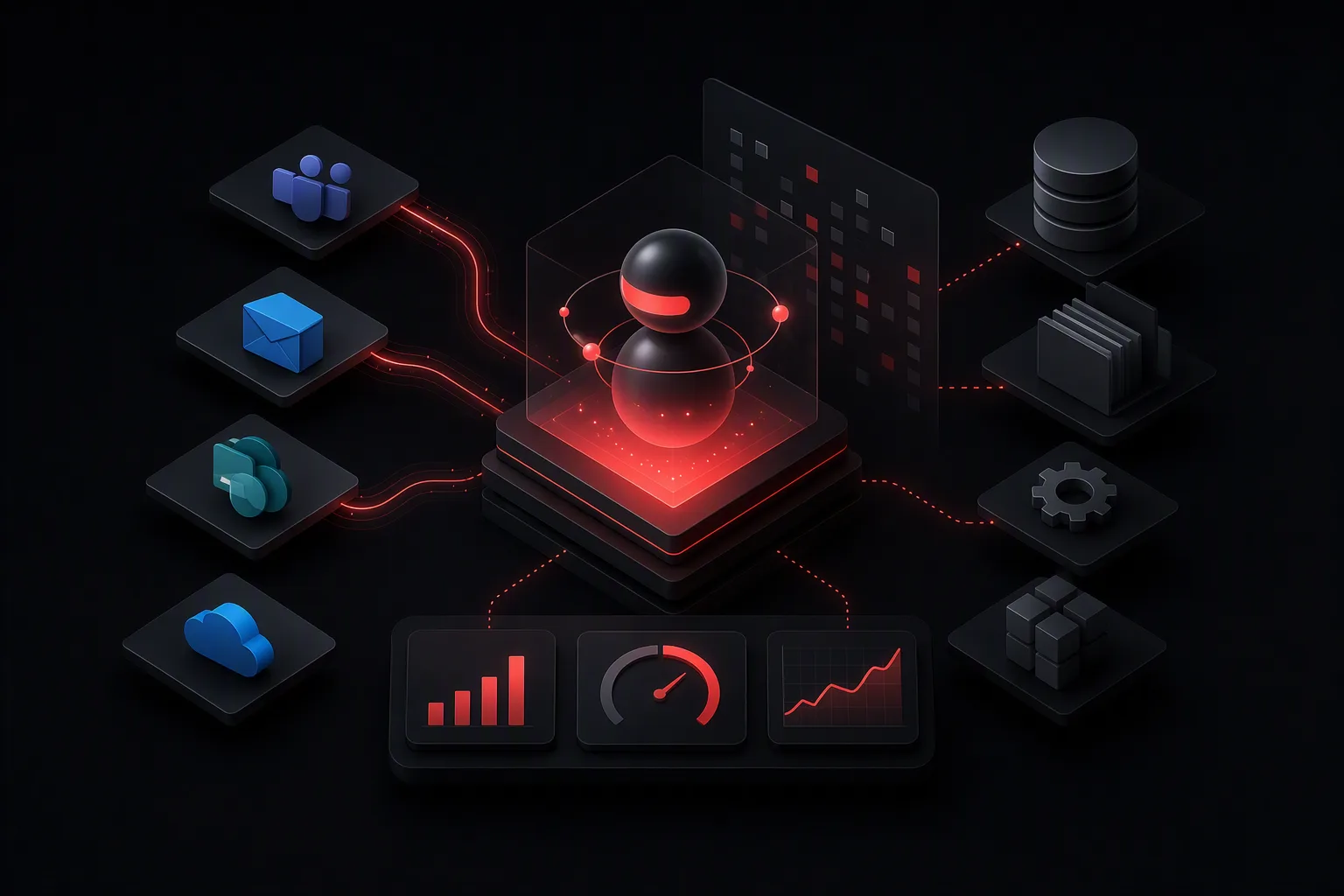
Enterprise AI automation is the use of secure AI agents and workflows to complete repeatable business tasks across systems such as Microsoft Teams, Outlook, SharePoint, and line-of-business applications.
For most organizations, the practical goal is not to automate every decision. It is to reduce manual work in well-defined processes while keeping people in control of approvals, exceptions, and sensitive information.
Enterprise AI automation can support employees in the Microsoft tools they already use. A finance team can ask an agent for a policy answer in Teams. A service team can summarize a customer case, draft a response, and route it for approval. An operations team can turn incoming requests into tracked tasks and status updates.
What is enterprise AI automation?
Enterprise AI automation combines artificial intelligence with workflow automation, business knowledge, and access controls. It enables an AI agent to understand a request, retrieve relevant information, take approved actions, and provide a useful response.
Traditional automation follows fixed rules. For example, when a form is submitted, create a ticket and notify a manager. AI automation can handle less structured inputs, such as an employee asking, "What is the travel policy for client dinners in Germany?" It can find the relevant policy content, summarize the answer, cite the source, and escalate when confidence is low.
A production-ready enterprise AI automation system typically includes:
- An AI agent interface, often in Microsoft Teams or another employee-facing application.
- Approved enterprise knowledge sources, such as SharePoint, OneDrive, knowledge bases, and policy libraries.
- Connections to business systems, such as CRM, IT service management, HR, ERP, or project management tools.
- Identity, permissions, logging, and data governance controls.
- Human approval steps for actions with financial, legal, customer, or operational impact.
- Reporting that measures usage, quality, time saved, and business outcomes.
Which business processes are best for AI automation?
The best enterprise AI automation use cases are high-volume, repetitive, and governed processes where employees spend time searching, summarizing, routing, or updating systems.
Start with a workflow that has a measurable baseline. If a team currently spends 20 minutes answering a common internal request and receives 500 requests per month, the workload is about 167 hours per month. Even reducing handling time by 50 percent creates a clear, trackable benefit.
Common use cases include:
- Employee support: Answer HR, IT, finance, and operations questions using approved internal policies and documentation.
- IT service management: Classify tickets, summarize incidents, suggest knowledge articles, collect missing details, and route requests to the right queue.
- Sales operations: Research account information, prepare meeting briefs, update CRM records, and draft follow-up emails for review.
- Customer service: Summarize conversations, retrieve product documentation, create case notes, and draft responses for agent approval.
- Finance operations: Extract information from invoices, validate requests against policies, prepare exception summaries, and route approvals.
- Project delivery: Convert meeting notes into actions, identify risks, update project status, and answer questions from project documentation.
Avoid beginning with workflows that require unrestricted access to sensitive data or fully autonomous high-impact decisions. Start with assistive tasks, then expand automation after performance and controls are proven.
How do AI agents work in Microsoft 365?
AI agents in Microsoft 365 can make enterprise automation available inside the places employees already work. Microsoft Teams is often a useful front door because it supports conversational requests, notifications, approvals, and collaboration.
A typical flow looks like this:
- An employee asks a question or submits a request in Teams.
- The agent identifies the intent and retrieves relevant content from approved sources, such as SharePoint.
- The agent uses the employee's identity and permissions to determine what information it can access.
- If an action is required, the agent calls an approved workflow or business system connector.
- The agent returns an answer, a draft, a status update, or an approval request.
- The system records activity for audit, quality review, and ongoing improvement.
saasberry helps organizations put AI agents into production inside Microsoft tools, including workflows that connect enterprise knowledge with business actions. The focus is on practical agents that fit existing employee habits rather than requiring another standalone portal.
What makes enterprise AI automation secure?
Security is not a feature added after deployment. It is a core design requirement for enterprise AI automation.
A secure implementation should respect existing identity and access management rules. An employee should not be able to retrieve a document through an AI agent if they would not be able to access that document directly in SharePoint or another source system.
Key controls include:
- Role-based access: Use Entra ID groups, application permissions, and source-system permissions to limit access.
- Data boundaries: Define which SharePoint sites, folders, knowledge bases, and systems the agent can use.
- Grounded responses: Configure agents to answer from approved enterprise content instead of relying only on general model knowledge.
- Citations and source links: Show employees where an answer came from when appropriate, especially for policy and compliance topics.
- Human approval: Require approval before sending external communications, changing records, issuing refunds, or initiating other sensitive actions.
- Audit logs: Record user requests, agent actions, approvals, errors, and connected system activity.
- Data retention policies: Align conversation, document, and log retention with the organization's compliance requirements.
Security teams should be involved early, but security review does not need to stop progress. A narrow pilot with limited sources, a small user group, and read-only capabilities can validate value while reducing risk.
How should an enterprise implement AI automation?
A successful rollout usually starts with one or two focused use cases, not a broad company-wide promise. The first deployment should be useful enough to earn adoption and controlled enough to evaluate safely.
Use this implementation sequence:
- Identify a measurable workflow. Choose a process with clear volume, handling time, error rate, or backlog data.
- Map the current process. Document inputs, decisions, systems, exceptions, owners, and approval points.
- Define the agent's scope. Specify what it can answer, what actions it can take, and when it must hand work to a person.
- Prepare knowledge sources. Remove outdated documents, assign content owners, and organize critical information in approved locations.
- Connect systems securely. Use least-privilege access and limit the agent to the minimum required data and actions.
- Test with real scenarios. Include common requests, incomplete inputs, edge cases, ambiguous language, and requests the agent must refuse.
- Launch to a controlled group. Start with a department, region, or role rather than every employee.
- Measure and improve. Review feedback, answer quality, escalation rates, time savings, and process outcomes every week during the pilot.
For many organizations, a pilot can begin with a read-only knowledge agent in Teams. Once answer quality is reliable, the next phase can add workflow actions such as ticket creation, record updates, approval routing, or notifications.
How do you measure enterprise AI automation ROI?
Measure enterprise AI automation against the operational problem it was designed to solve. Usage alone is not enough.
Useful metrics include:
- Average handling time before and after deployment.
- Number of requests resolved without human intervention.
- First-response time and time to resolution.
- Percentage of answers rated helpful by users.
- Escalation, correction, and rework rates.
- Cost per request or case.
- Backlog size and service-level agreement performance.
- Employee adoption by team, role, and workflow.
For example, an internal IT agent handling 1,000 monthly requests can create meaningful value if it resolves 30 percent of straightforward questions without a service desk agent. The exact result depends on request complexity, content quality, and the level of automation, but the baseline and outcome should be documented before the pilot starts.
Also measure risk indicators. Track when the agent cannot find a source, when users override a recommendation, and when an action requires manual correction. These signals reveal where knowledge, prompts, workflow rules, or permissions need improvement.
What are the common mistakes in enterprise AI automation?
The most common mistake is treating an AI agent as a generic chatbot. Enterprise users need accurate answers, useful actions, clear boundaries, and reliable escalation paths.
Other common mistakes include:
- Launching before knowledge sources are current and owned.
- Giving an agent broad access to data it does not need.
- Automating high-impact actions without human approval.
- Failing to define a fallback process when the agent is uncertain.
- Measuring chat volume instead of business results.
- Requiring employees to leave Teams or their normal workflow to use the solution.
- Building too many use cases before proving one repeatable pattern.
A better approach is to deploy a focused agent, monitor it closely, and expand based on evidence. The best enterprise AI automation programs build trust through consistent, explainable results.
FAQ
What is the difference between AI automation and workflow automation?
Workflow automation follows predefined rules and steps. AI automation adds the ability to interpret unstructured requests, retrieve relevant knowledge, summarize information, and choose from approved actions. Many enterprise solutions combine both approaches.
Can enterprise AI agents access SharePoint and Microsoft Teams securely?
Yes, when they are designed with identity, permissions, approved data sources, and audit controls. Access should follow existing user and source-system permissions, with least-privilege connections for any actions the agent performs.
How long does it take to deploy an enterprise AI automation pilot?
A focused pilot can often be scoped in weeks when the use case, knowledge sources, system owners, and security requirements are clear. Complex integrations, fragmented content, and high-risk actions typically require more preparation.
What should a company automate first with AI?
Start with a high-volume, repeatable workflow that has measurable pain, clear owners, reliable knowledge sources, and a low-risk human escalation path. Internal policy questions, IT request triage, meeting follow-up, and service case summarization are common starting points.